SwiftUI - macOS 27
What's New in SwiftUI for macOS 27
macOS gets the most from SwiftUI's document work. If your app saves packages, exports alternate formats, mixes AppKit controls, or has a wide toolbar, macOS 27 is where the new SwiftUI APIs are immediately practical.
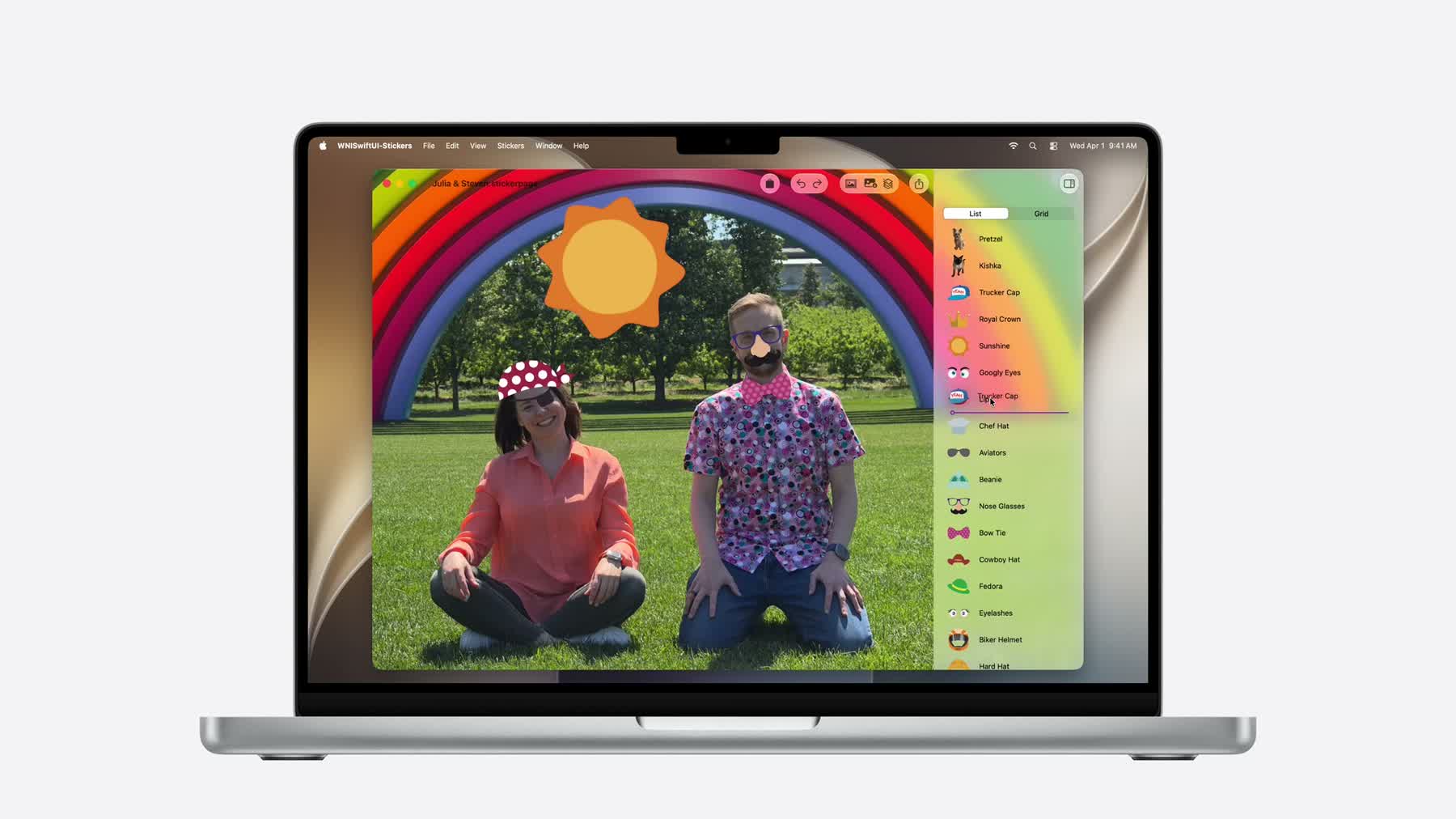
macOS focus
Async readers and writers make large Mac documents less tied to main-thread serialization.
AppKit interopObservation, hosting views, AppKit gestures, menus, and SwiftUI scenes support incremental adoption.
Mac chromeToolbars, menu icons, active-window state, and interactive Liquid Glass need Mac-specific review.
Documents Are the Main macOS Story
The new document API maps cleanly to Mac apps: package formats, autosave, edited state, exports, progress, and direct disk work are first-class concerns. Apple describes writable documents as producing snapshots and handing those snapshots to an async writer that can compare against a previous snapshot.
The practical change is separation of responsibilities. The document object owns observable state for the UI, the snapshot captures a stable version for saving, and the writer performs disk work off the main actor. For package documents, comparing the new snapshot with the previous snapshot lets you write only the files that actually changed.
Fallback for macOS 26
Keep the existing ReferenceFileDocument path for older targets. If the new writer is mostly
a performance win, ship both and route only macOS 27 users through the incremental writer.
struct PackageWriter: DocumentWriter {
    typealias Snapshot = ProjectSnapshot

    nonisolated func write(
        snapshot: sending ProjectSnapshot,
        to destination: URL,
        previous: sending ProjectSnapshot?,
        progress: consuming Subprogress
    ) async throws {
        try await writeChangedFiles(snapshot, previous: previous, to: destination)
    }
}
Incremental AppKit Adoption Is Better Supported
Apple's interop session focuses on macOS but says the concepts apply elsewhere. The migration path is small: make shared models observable, host SwiftUI where the UI is changing anyway, and keep AppKit for mature views that still earn their place.
This is relevant to SwiftUI in macOS 27 because the new pieces do not require an all-or-nothing rewrite. A document window can keep its AppKit outline view, add a SwiftUI inspector, and share one observable model between both layers.
@Observable
final class ColorModel {
    var hue = 0.4
    var saturation = 0.8
    var brightness = 0.9
}

final class InspectorController: NSViewController {
    let model = ColorModel()

    override func loadView() {
        view = NSHostingView(rootView: ColorInspector(model: model))
    }
}
Use SwiftUI scenes from an existing NSApplicationDelegate when the new surface is naturally a
window, settings panel, or menu bar extra. Use a hosting view for one embedded region.
Mac Chrome Needs Real Ranking
The Mac has room, but not infinite room. Toolbar item priority, overflow menus, and pinned actions help wide
Mac windows and narrow companion windows share the same view code. The SwiftUI session also calls out the
appearsActive environment value for dimming custom sidebar/footer content when a Mac or iPad
window is inactive.
Use the priority APIs even when the main Mac window looks spacious. Document apps often open inspectors, compact utility windows, and secondary windows where toolbar decisions become visible. The active-window environment value keeps custom chrome aligned with the system dimming behavior.
struct SidebarFooter: View {
    @Environment(\.appearsActive) private var appearsActive

    var body: some View {
        AccountSummary()
            .opacity(appearsActive ? 1 : 0.5)
    }
}State and Image Loading Are Runtime Work
macOS apps often have long-lived windows, but they also create transient inspectors, popovers, search panels,
and preview panes. The lazy @State initialization change means observable classes stored in
@State are not constructed until SwiftUI actually needs the state storage.
AsyncImage also respects HTTP caching by default on OS 27. That is useful for package browsers,
asset catalogs, remote documentation panes, and any Mac UI that repeatedly shows the same thumbnails.
struct AssetInspector: View {
    let asset: Asset
    @State private var model = InspectorModel()

    var body: some View {
        AsyncImage(url: asset.previewURL)
            .task { await model.loadDetails(for: asset) }
    }
}