SwiftUI - tvOS 27
What's New in SwiftUI for tvOS 27
tvOS 27's most concrete UI change is accessibility-driven: Large Text support is now system-wide. For SwiftUI apps, that makes media shelves, carousels, labels, and focus states a layout problem, not only a typography setting.
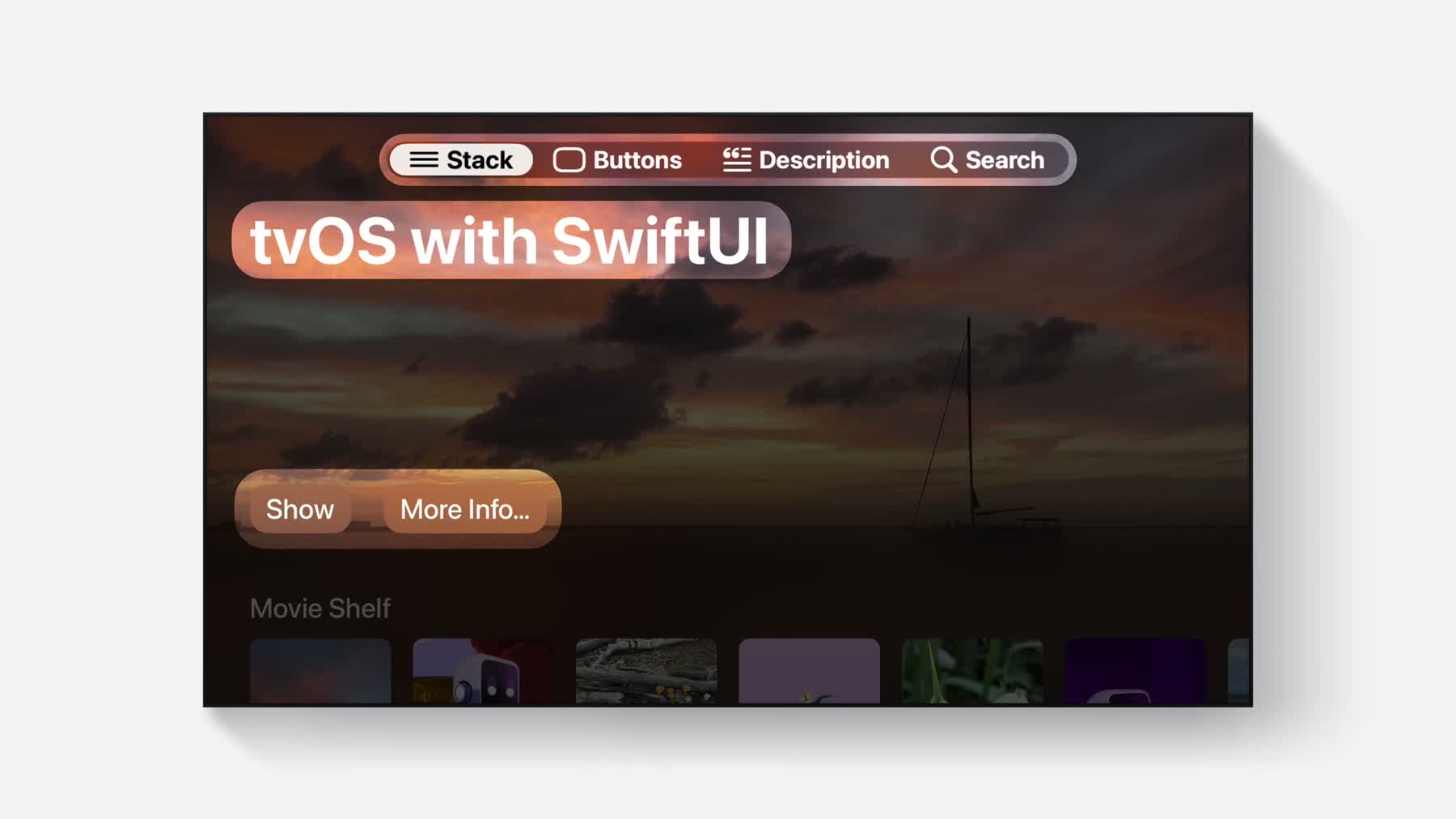
tvOS focus
Standard SwiftUI text styles scale automatically, but custom sizes and fixed frames need review.
Media shelvesUse dynamicTypeSize to reduce item counts or switch layouts at accessibility sizes.
Cached artworkAsyncImage caching helps large media shelves avoid repeated artwork fetches.
Large Text Is System-Wide
Apple's tvOS 27 Dynamic Type session says Large Text support is now available system-wide on tvOS.
SwiftUI controls such as Text, Label, Button, and navigation components
scale when you use standard text styles. Hard-coded font sizes and rigid frames are the risk.
For a SwiftUI app, the work is not just changing .font(.system(size:)) to a semantic style. You
also need to check labels that were designed for a fixed poster tile, metadata rows with one-line truncation,
and focus rings that assume a fixed card size.
Fallback for tvOS 26
You can still replace hard-coded font sizes with semantic text styles. Older tvOS versions will not expose the same system-wide Large Text behavior, but the layout becomes more resilient.
Text("Signup information")
    .font(.caption.bold())
    .lineLimit(1)
    .foregroundStyle(.secondary)
    .frame(maxWidth: .infinity, alignment: .leading)
Media Shelves Need Fewer Columns at Larger Sizes
The tvOS session shows a SwiftUI shelf reducing item count when the Dynamic Type size is an accessibility size. That is the right pattern for TV: preserve poster legibility and focus movement instead of squeezing the same number of tiles into the row.
dynamicTypeSize is the switch point. At larger sizes, reduce the number of visible items, increase
spacing, or move secondary metadata to a focused detail area. The user should not have to choose between
readable text and predictable remote navigation.
struct MovieShelf: View {
    @Environment(\.dynamicTypeSize) private var dynamicTypeSize

    var body: some View {
        ScrollView(.horizontal) {
            LazyHStack(spacing: 40) {
                ForEach(movies) { movie in
                    MovieButton(movie)
                        .containerRelativeFrame(
                            .horizontal,
                            count: dynamicTypeSize.isAccessibilitySize ? 4 : 6,
                            spacing: 40
                        )
                }
            }
        }
    }
}
Focus Still Drives the Interaction Model
Many new SwiftUI APIs are shared across Apple platforms, but not every touch gesture belongs on TV.
Swipe actions outside List are great on iPhone; on tvOS, a visible focused command, context menu,
or detail screen is usually clearer. Reordering should be reserved for focused, intentional edit modes.
That does not make the shared APIs irrelevant. It means the same model change should get a TV-shaped command surface. For example, a reorderable queue can enter an edit mode with clear Move Earlier and Move Later buttons instead of depending on a gesture that has no obvious Siri Remote equivalent.
Cached Artwork Loading
AsyncImage HTTP caching is a strong fit for TV shelves because artwork often scrolls out and back
into view.
The OS 27 behavior uses normal HTTP cache headers by default. That is enough for many poster and backdrop feeds, while Xcode 27-built apps can still pass a custom request or session when the artwork service needs a specific cache policy.
Lazy @State Initialization
Lazy @State class initialization is separate from image loading. It helps when parent sections
refresh while preserving a row controller or view model.
tvOS shelves are often rebuilt as focus changes, recommendations refresh, or a page swaps between sections.
With the new toolchain behavior, an observable class stored in @State is created when SwiftUI
actually needs that state, not merely because the parent view described the child again.