SwiftUI - WWDC26 and OS 27 apps
What's New in SwiftUI
SwiftUI's 2027 release cycle is about document apps, resizing, richer interaction, and fewer performance traps. The headline APIs are useful, but the real theme is making the same SwiftUI code hold up across phone, tablet, Mac, watch, TV, and spatial interfaces.
Highlights
New document protocols split snapshots, readers, and writers so disk work can be async and incremental.
Adaptive chromeToolbar priority, overflow menus, pinned trailing actions, minimization, and platform look updates matter for resizable apps.
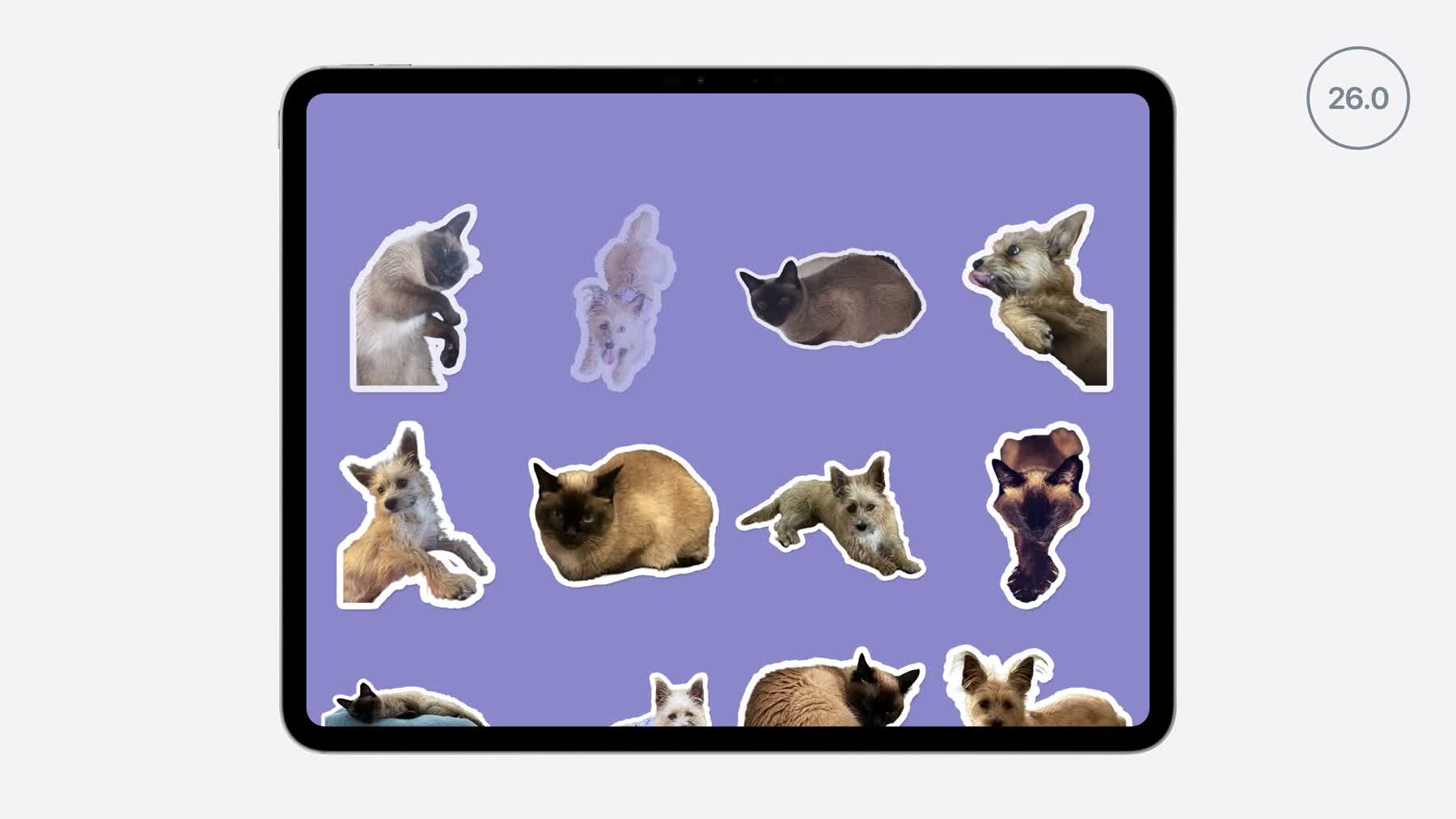
Reordering and swipesReorder items in lists, grids, stacks, and custom layouts, then add swipe actions outside List.
Image cachingAsyncImage now respects standard HTTP caching by default.
Classes stored in @State are initialized only when SwiftUI needs them.
Document Apps Get Real Disk Control
SwiftUI's expanded Document API is the biggest architectural change. Apple now separates a document object, a snapshot, and async reader/writer types. That gives document apps direct control over package structure, progress reporting, incremental writes, and export formats without blocking the main actor.
Fallback for OS 26
Keep existing FileDocument or ReferenceFileDocument code for older targets.
Put the new document type and DocumentGroup initializer in an @available wrapper
so the app can ship both paths without referencing unavailable symbols.
@Observable
final class SketchDocument: WritableDocument {
    static let writableDocumentTypes: [UTType] = [.sketchPackage, .png]

    @MainActor
    func snapshot(contentType: UTType) async throws -> sending SketchSnapshot {
        SketchSnapshot(layers: layers, canvasSize: canvasSize)
    }

    func writer(configuration: sending WriteConfiguration) -> sending SketchWriter {
        SketchWriter(contentType: configuration.contentType)
    }
}
The practical migration target is not "rewrite every document app." Start where large packages, image exports, or repeated autosaves currently make the UI feel heavy.
Toolbars Become Resize-Aware
iPad and Mac windows already resize. iOS 27 adds more pressure because SwiftUI iPhone apps can become resizable in more contexts, and Xcode 27 previews expose resize handles. SwiftUI now lets you say which actions must stay visible, which actions belong in overflow, and when navigation chrome should minimize on scroll.
EditorView()
    .toolbar {
        ToolbarItemGroup {
            UndoButton()
            RedoButton()
        }
        .visibilityPriority(.high)

        ToolbarOverflowMenu {
            ExportButton()
            ResetButton()
        }

        ToolbarItem(placement: .topBarPinnedTrailing) {
            ShareButton()
        }
    }
    .toolbarMinimizeBehavior(.onScrollDown, for: .navigationBar)
Treat this as a ranking exercise. Primary editing and sharing actions should survive narrow widths; setup and destructive actions usually belong in overflow.
Reordering, Drag Containers, and Swipes
Reorderable Collections
Reordering is no longer tied to List. Add .reorderable() to the generated items and
.reorderContainer to the container that owns the move. The drag-and-drop code-along shows the same
model extending to multi-item drags and custom transfer rules.
Fallback for OS 26
Keep List plus onMove where the older UI is acceptable. For custom stacks or grids,
hide drag reordering behind an OS 27-only view and use explicit edit buttons on older releases.
LazyVGrid(columns: columns) {
    ForEach(stickers) { sticker in
        StickerCell(sticker)
    }
    .reorderable()
}
.reorderContainer(for: Sticker.ID.self) { difference in
    stickers.apply(difference: difference)
}
Swipe Actions Outside List
Swipe actions also move beyond List. For row-like custom layouts, add the normal
.swipeActions to each row and place .swipeActionsContainer() on the scroll container.
Fallback for OS 26
Keep swipe actions inside List, or make the action visible with a trailing button, menu, or
explicit edit mode in custom scroll views.
ScrollView {
    LazyVStack(spacing: 8) {
        ForEach(messages) { message in
            MessageRow(message)
                .swipeActions(edge: .trailing) {
                    Button("Archive") { archive(message) }
                    Button("Flag") { flag(message) }
                }
        }
    }
}
.swipeActionsContainer()
Presentation APIs Get the Sheet Pattern
Alerts and confirmation dialogs now support item bindings, matching the pattern SwiftUI developers already use for sheets. That makes command-driven UI cleaner: set an optional model value, let SwiftUI present, then clear it.
@State private var itemToDelete: LibraryItem?

var body: some View {
    LibraryGrid(items: items) { item in
        itemToDelete = item
    }
    .confirmationDialog("Delete?", item: $itemToDelete) { item in
        Button("Delete", role: .destructive) {
            delete(item)
        }
    }
}
AsyncImage Caching
AsyncImage now uses standard HTTP caching by default, honoring server cache headers without app code.
Xcode 27-built apps can pass a custom URLRequest and provide a custom URLSession with
.asyncImageURLSession when they need cache policy or capacity control.
AsyncImage(request: URLRequest(
    url: artworkURL,
    cachePolicy: .returnCacheDataElseLoad
))
.asyncImageURLSession(ArtworkStore.imageSession)
Lazy @State Initialization
Apple also calls out a separate data-flow fix that will remove accidental work in many apps: classes stored in
@State are initialized lazily, once per view lifetime. That behavior comes from State
becoming a macro and is back-deployed to iOS 17, macOS 14, and aligned releases when you build with the new toolchain.
Lazy Stacks and Scrolling
For long custom scrollers, the lazy stack session is a useful companion: prefer stable estimates, avoid forcing offscreen views to load early, and use the new prefetch behavior intentionally for expensive content.